
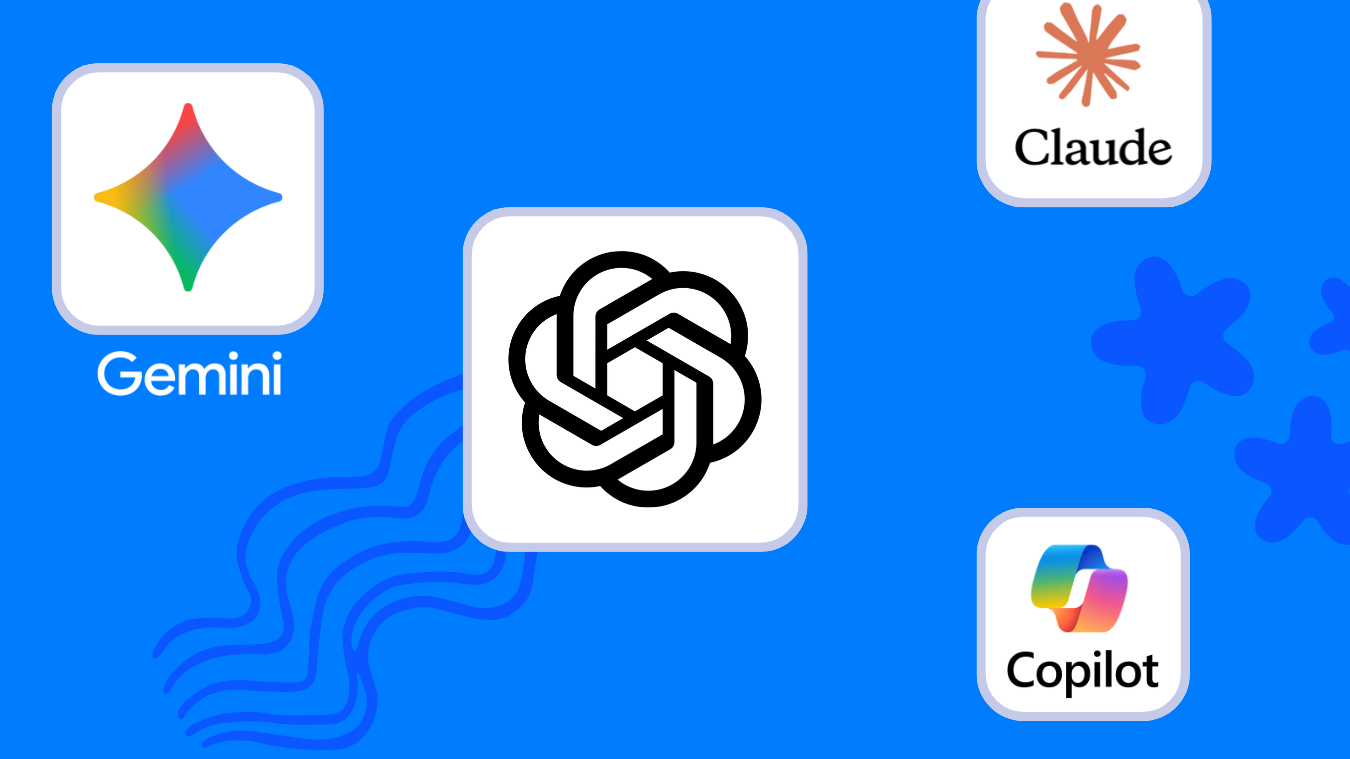
Looking for the best AI for journaling? This comparison focuses on models—ChatGPT, Gemini, Claude, and Microsoft Copilot—for AM/PM check-ins, voice notes, weekly reviews, privacy, and exports. If you want full apps with storage and templates, open our separate roundup: Best AI Journaling Apps.
Choose your assistant. Then run the guided setup:
- Compare your assistant options
- ChatGPT setup guide
- Gemini setup guide
- Claude setup guide
- Microsoft Copilot setup guide
Get started in minutes.
At-a-glance winners: Top Strengths for AI Journaling
| Model | Best at | Great fit if you… | Start here |
|---|---|---|---|
| ChatGPT | Fast AM/PM routines, flexible prompts, huge ecosystem | Want speed and simple exports; like copy-ready prompts | How to Journal with ChatGPT |
| Gemini | Multimodal entries (text + image + audio), Google tie-ins | Capture photos/voice; you live in Google’s ecosystem | How to Journal with Gemini |
| Claude | Long-context weekly reviews and theme synthesis | Do deep reflections and pattern analysis | How to Journal with Claude |
| Microsoft Copilot | Free Windows/Edge access, quick summaries, lightweight flow | Use Windows or Edge and want zero-cost daily check-ins | How to Journal with Copilot |
AI Journaling Model Comparison
| Capability | ChatGPT | Gemini | Claude | Copilot |
|---|---|---|---|---|
| AM/PM check-in flow | Strong, prompt-friendly | Strong, multimodal prompts | Strong, reflective tone | Good, lightweight |
| Weekly long-context review | Good with concise history | Good with links/media | Strong for patterns/themes | Basic summaries |
| Voice/photo journaling | Voice; strong for text | Notable multimodal strength | Text/long-form focus | Voice in Windows/Edge context |
| Ease of exports | Copy to Docs/MD/PDF | Works with Google Drive | Clean text for archives | Quick copy/save paths |
| Learning curve | Low | Low if you use Google tools | Low–medium | Low for Windows users |
Chooser: Pick by Use Case
- Fast AM/PM habit → ChatGPT guide
- Voice or photo-first entries → Gemini guide
- Weekly deep-dive patterns → Claude guide
- Zero-cost, Windows-native flow → Copilot guide
Need an app with storage and templates? See Best AI Journaling Apps. That page compares products, not models.
Privacy and control
For any model, use safer journaling practices: redact identifiers, keep a weekly summary file, and review data-sharing settings quarterly. For options, see private AI journaling.
Costs: simple way to choose
- Free-first habit building → start with Copilot or ChatGPT free tiers.
- Heavy weekly reviews → evaluate Claude for long reflections.
- Voice/photo journaling → try Gemini for multimodal entries.
Model-specific workflows
- How to Journal with ChatGPT
- How to Journal with Gemini
- How to Journal with Claude
- How to Journal with Microsoft Copilot
FAQs: choosing an AI for journaling
Is this a list of journaling apps?
No. This compares AI models. For products, see Best AI Journaling Apps.
Which model is best for a 5-minute AM/PM habit?
Start with ChatGPT or Copilot for simplicity. Move to Claude for deeper weekly reviews, or Gemini if you use voice/photos often.
Can I switch models later?
Yes. Keep weekly snapshots in Docs/Notion/Markdown so you can switch without losing history.
How do I keep entries private?
Redact identifiers, keep sensitive details offline, and store only summaries if needed.
Next steps
- Prefer an AI journaling product? Explore Best AI Journaling Apps.
- Ready to set up? Visit the AI Journaling Hub for step-by-step guides.